Desktop app · 0.1 beta
One window, no host application.
Open a photograph, pick bloom, dither or type, drag the settings with a live preview, and export a PNG. No GIMP or Photoshop needed.
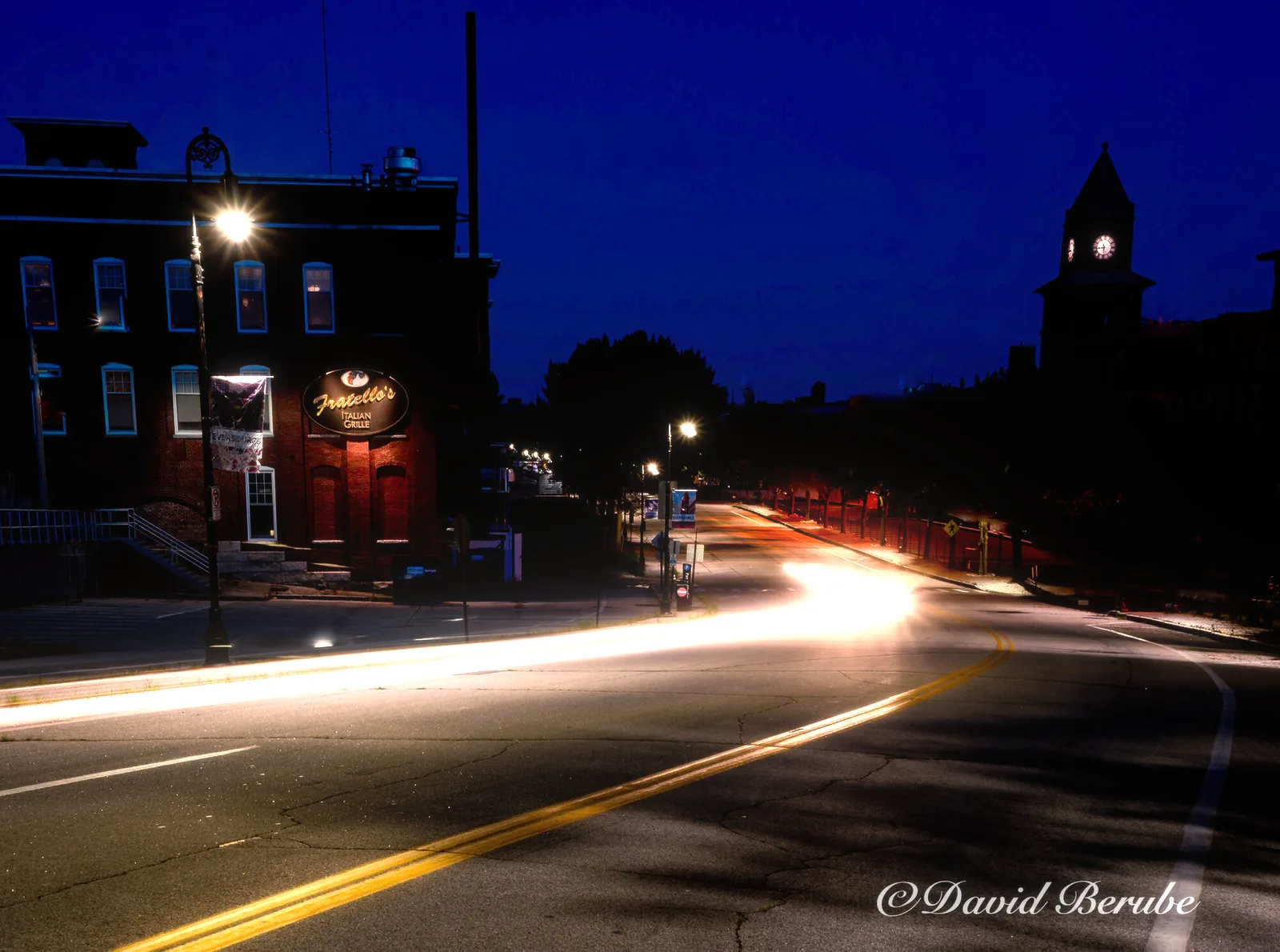 Before After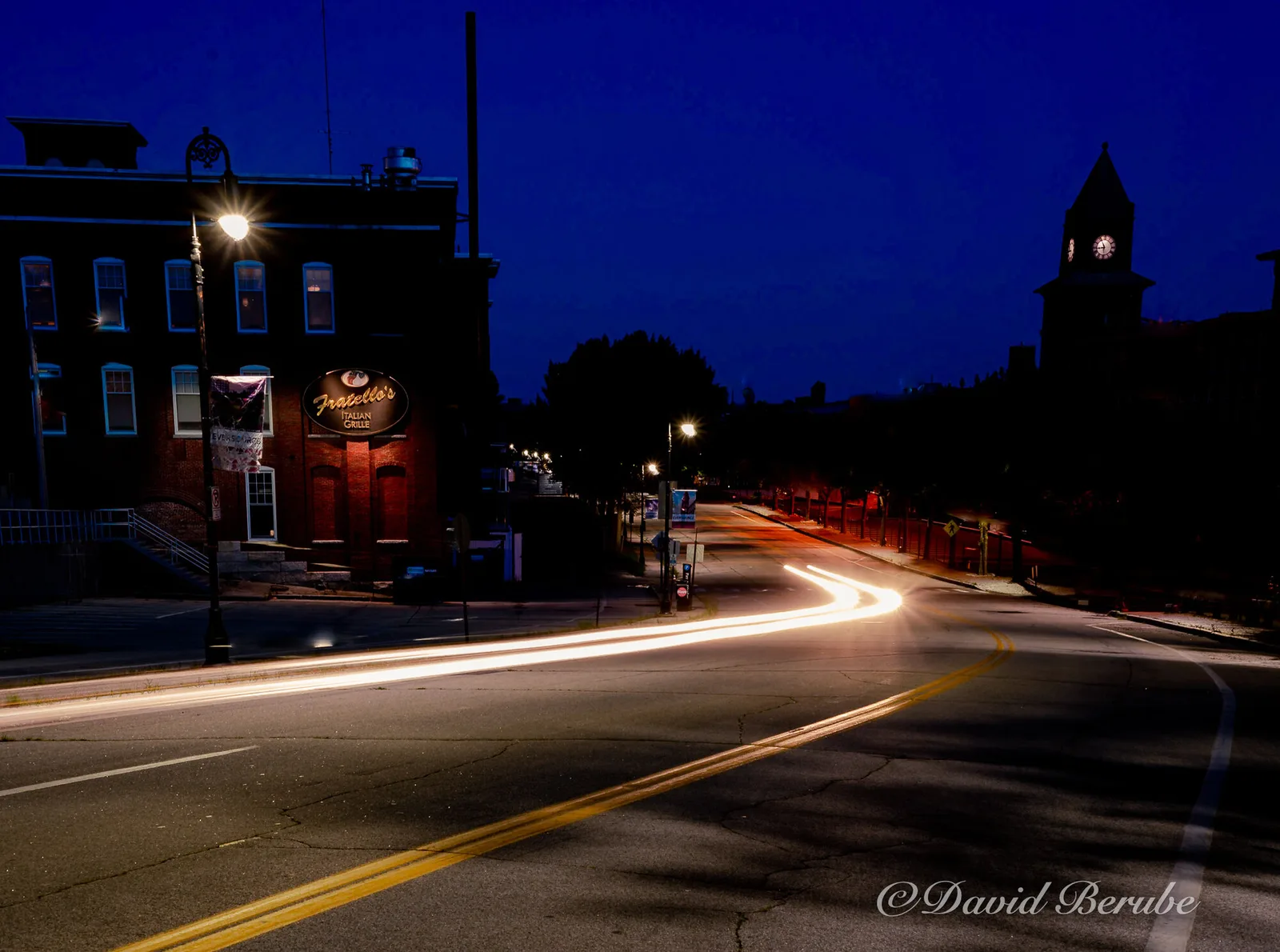
Platforms
- Linux
- x86_64, glibc 2.28 or newer: Debian 10, Ubuntu 20.04 and later. One binary. It loads X11 or Wayland at runtime and links nothing else outside glibc.
- Windows
- x86_64, Windows 10 or newer. One .exe that imports only system DLLs and the Universal CRT. No installer, no runtime to download.
- macOS
- Later. Until then, the Photoshop panels run on macOS.
Keys
| Ctrl+O | Open an image |
| Ctrl+S, Ctrl+E | Export PNG |
| + / − | Zoom in / out |
| 0 | Fit to window |
| 1 | 100% |
| C | Toggle the original |
Images open from the File menu, from the command line, or by dropping them on the window.