Filter 01 · Bloom and glare · 0.1 beta
Bloomifier
Glow that follows the eye, not a blur slider.
Multi-pass bloom, ported from a game engine’s post-processing chain to still images, plus the four kinds of glare the vision literature measures separately: veil, corona, halo and streaks. Bright light spills the way it does on a retina, and it eases into the headroom below white instead of clipping into a flat disc.
- GIMP 3
- Photoshop
- Desktop app
- Command line · Enterprise
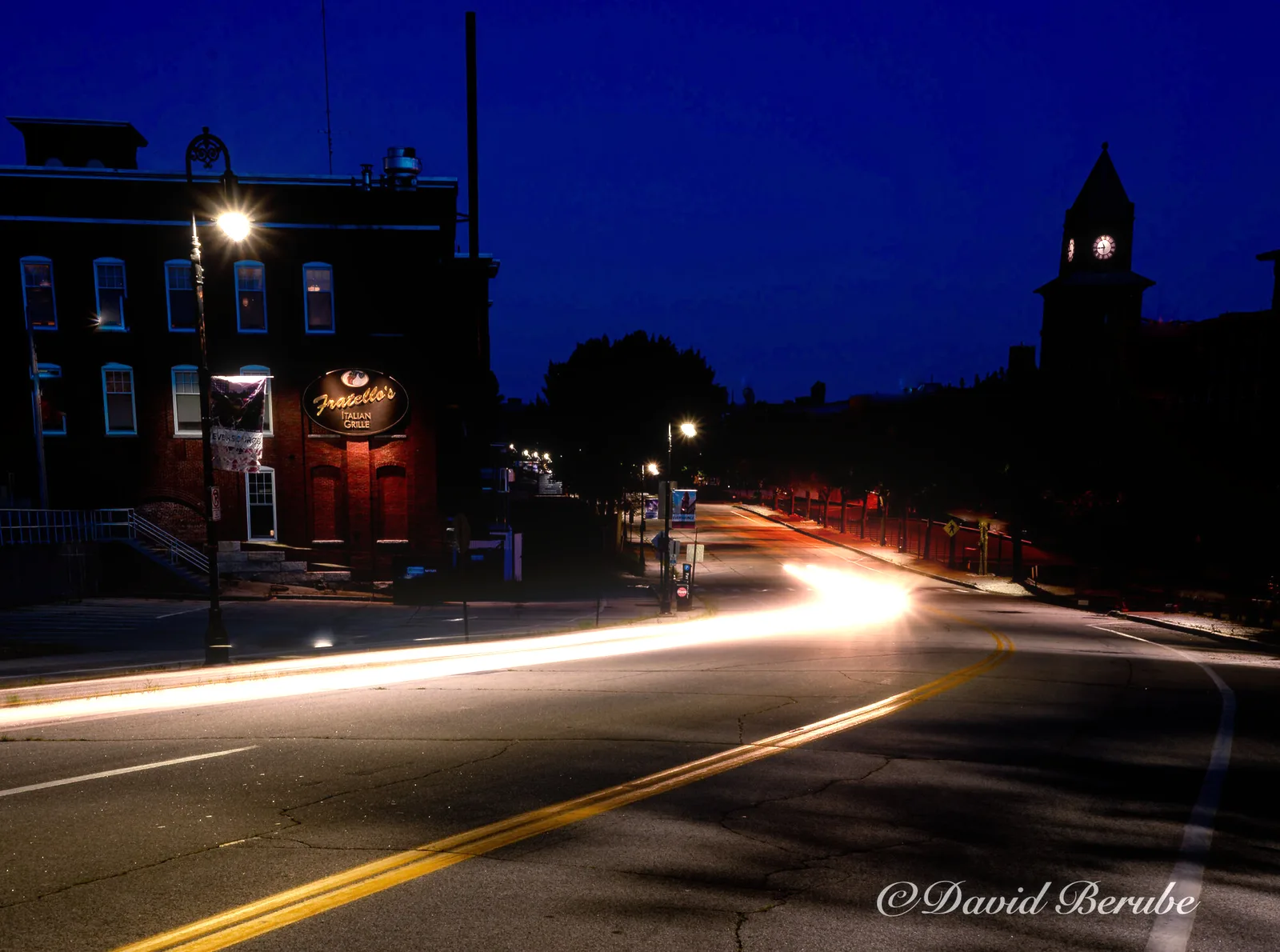 Before After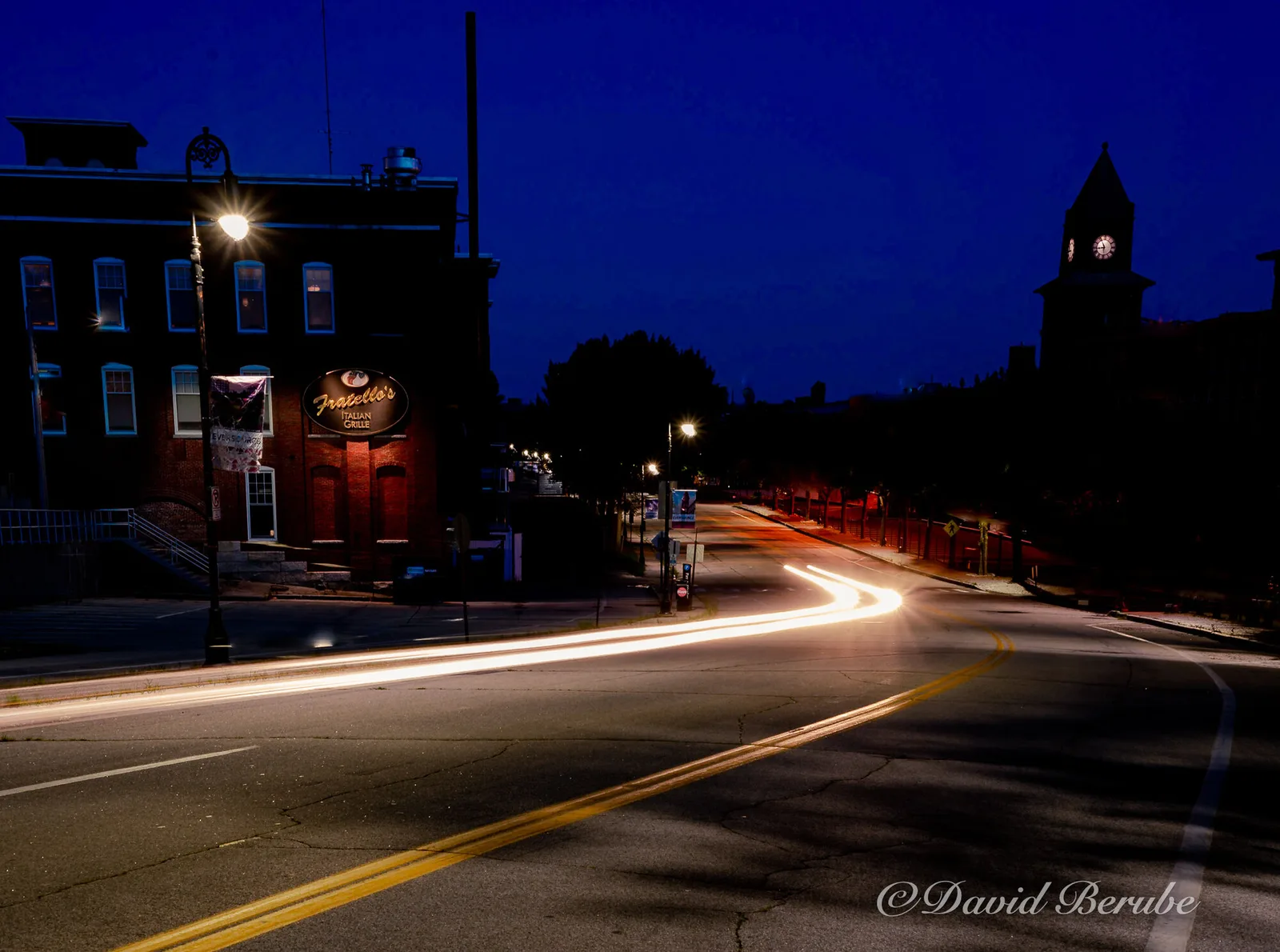
$ bloomifier street.png -i 1.2 -t 0.6 -s 0.7 -l 7 --veil scotopic --corona --halo --streaks 6 The command that rendered it. Command-line tools come with Enterprise.
Try it live
The real filter, compiled to WebAssembly. Nothing leaves your browser.
Brightness where the glow starts.
0 is one wide veil; higher stacks tighter halos.
Each level doubles the radius.
How it works
6 steps, each doing one thing.
-
01
Threshold
Only the bright parts of the image are kept. The knee sets how gradually the glow begins.
-
02
Downsample
The highlights are shrunk step by step, up to nine times, so the glow can reach far without a single hot pixel turning into a blob. 1,2
-
03
Upsample
The steps are combined on the way back up. Scatter decides how much each one adds, from one wide veil to a stack of tight halos.
-
04
Tone map
The glow is scaled, eased so it never blows out, and added to the image or written alone on black.
-
05
Physical glare
Optional. Veiling glare from Spencer et al.’s day, dusk and night point spread functions or the CIE 2002 glare equation; a ciliary corona of fine needles; the lenticular halo; aperture streaks from any number of iris blades. Computed in linear light and sized in degrees of visual angle.
-
06
Soft composite
Glare is eased into the headroom left above each pixel. A hard clip draws a bright Mach band around the glow and weakens the illusion of brightness (Yoshida et al., 2008).
Specimens
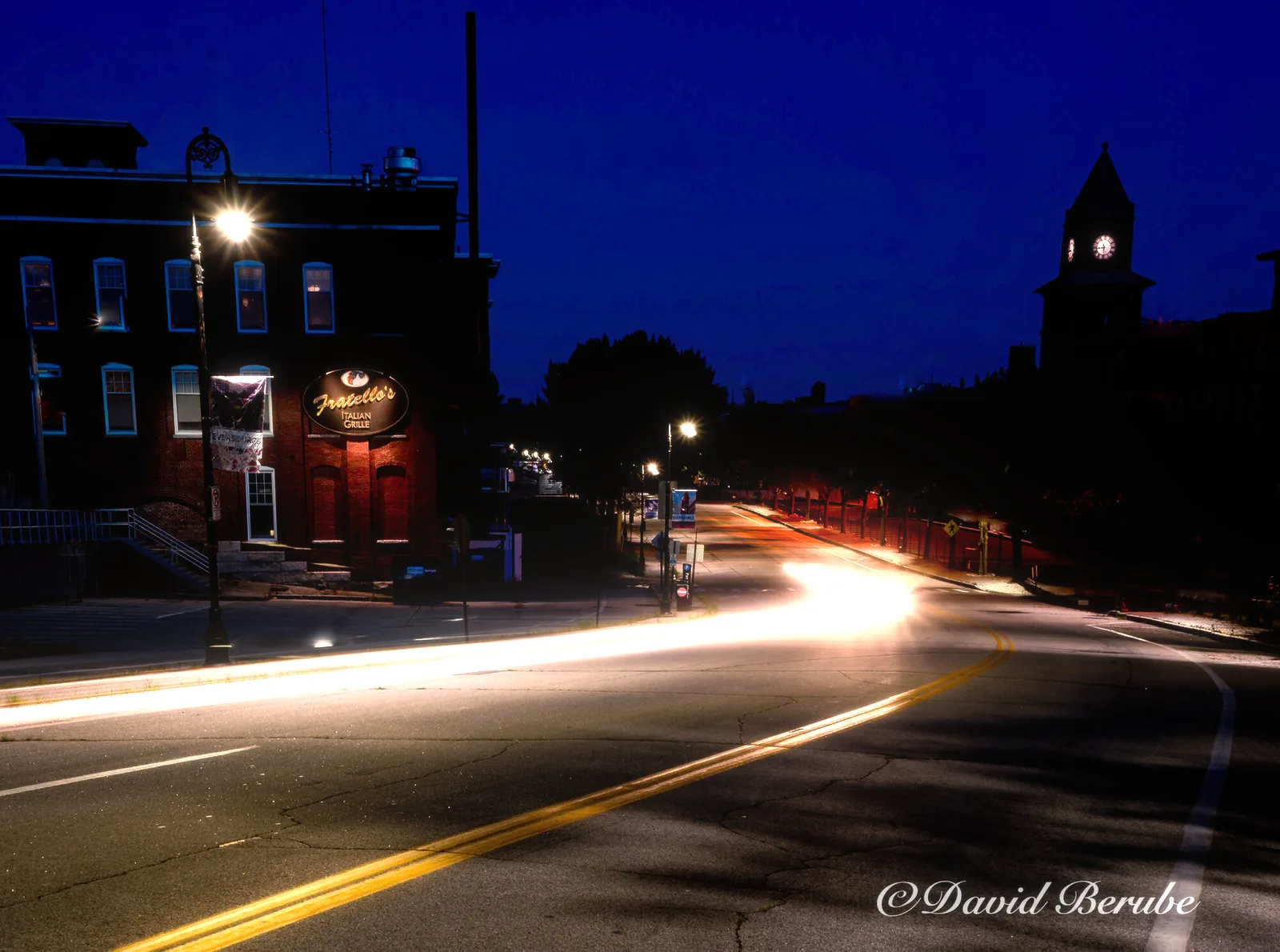 Before After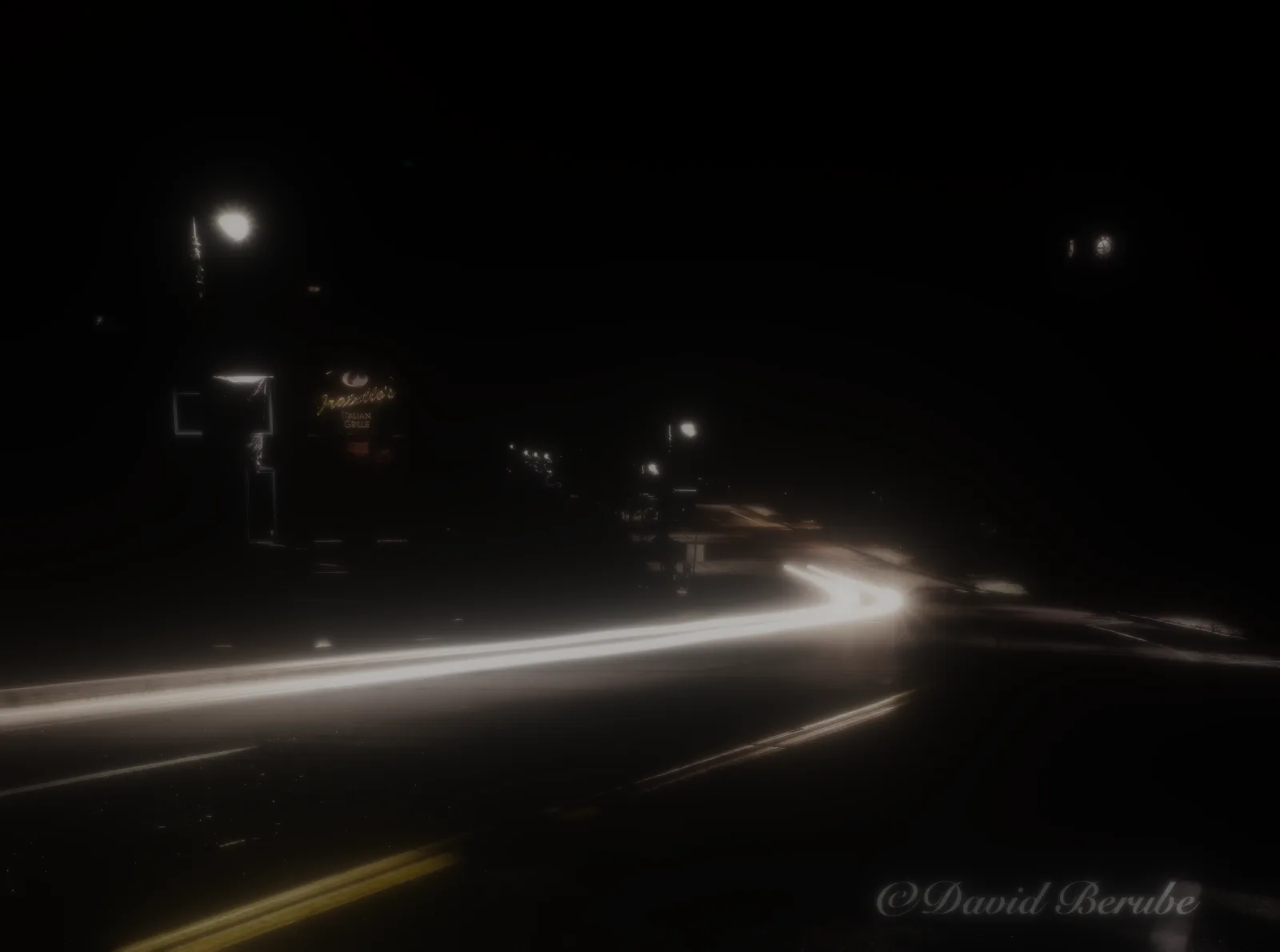
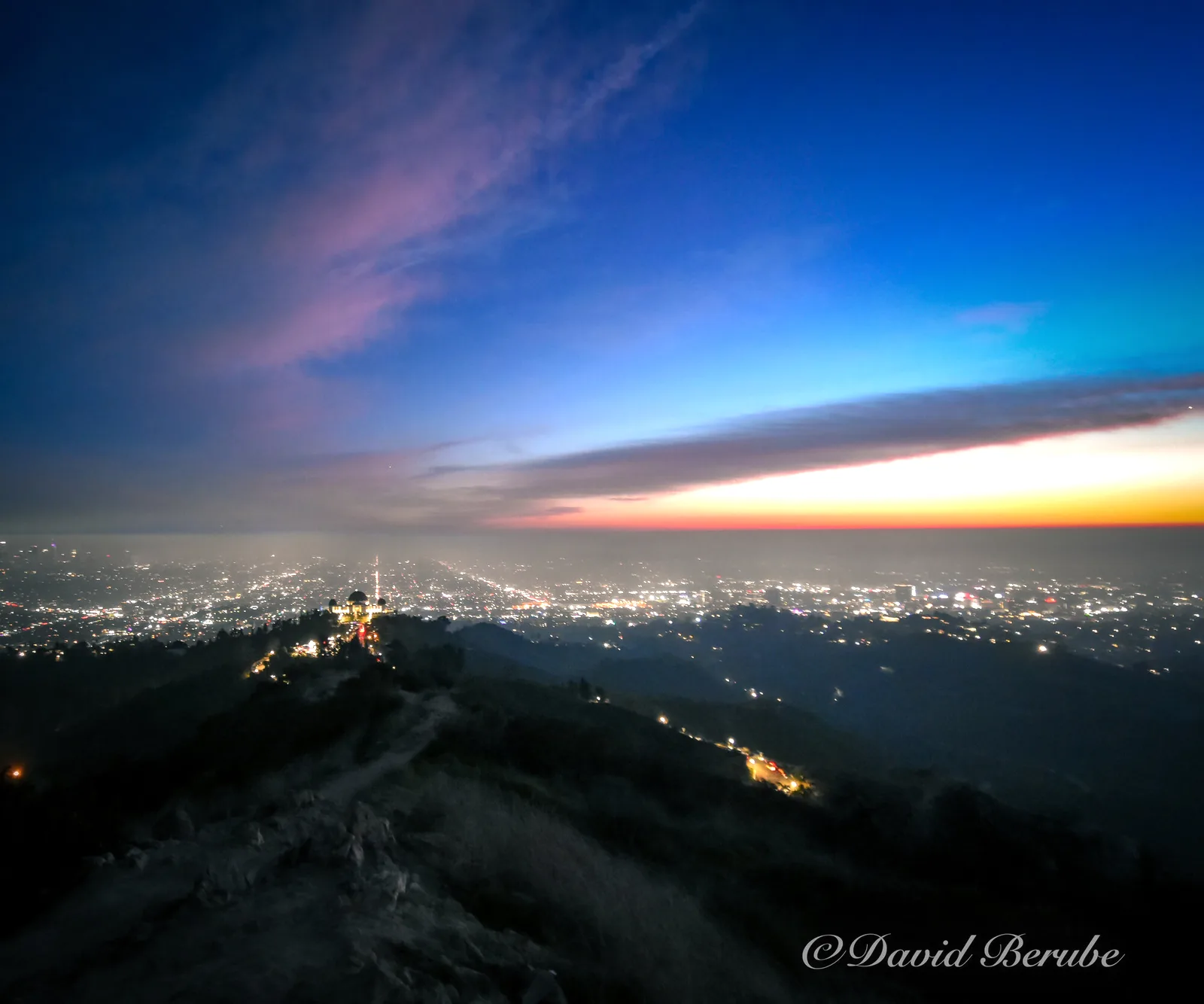 Before After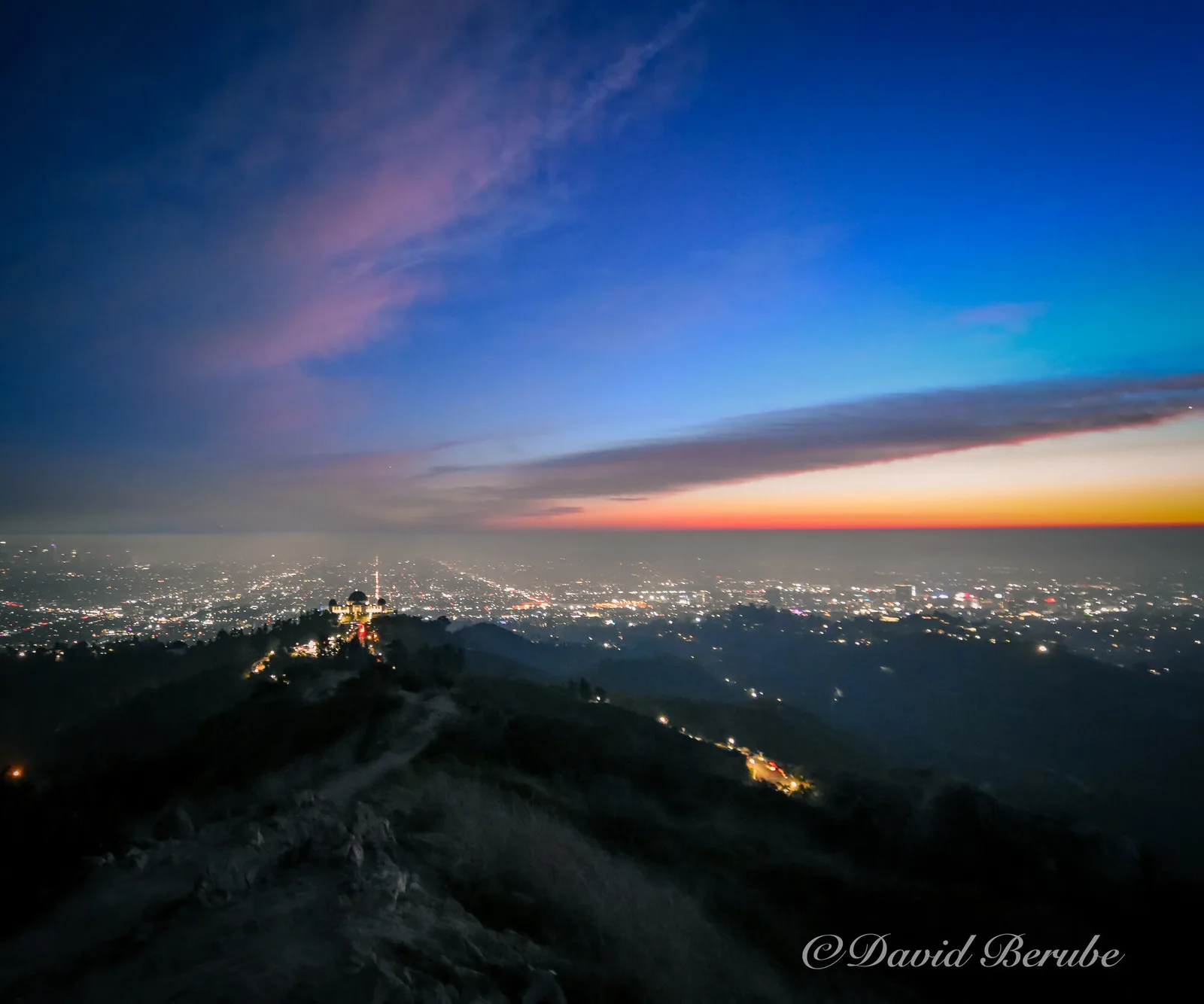
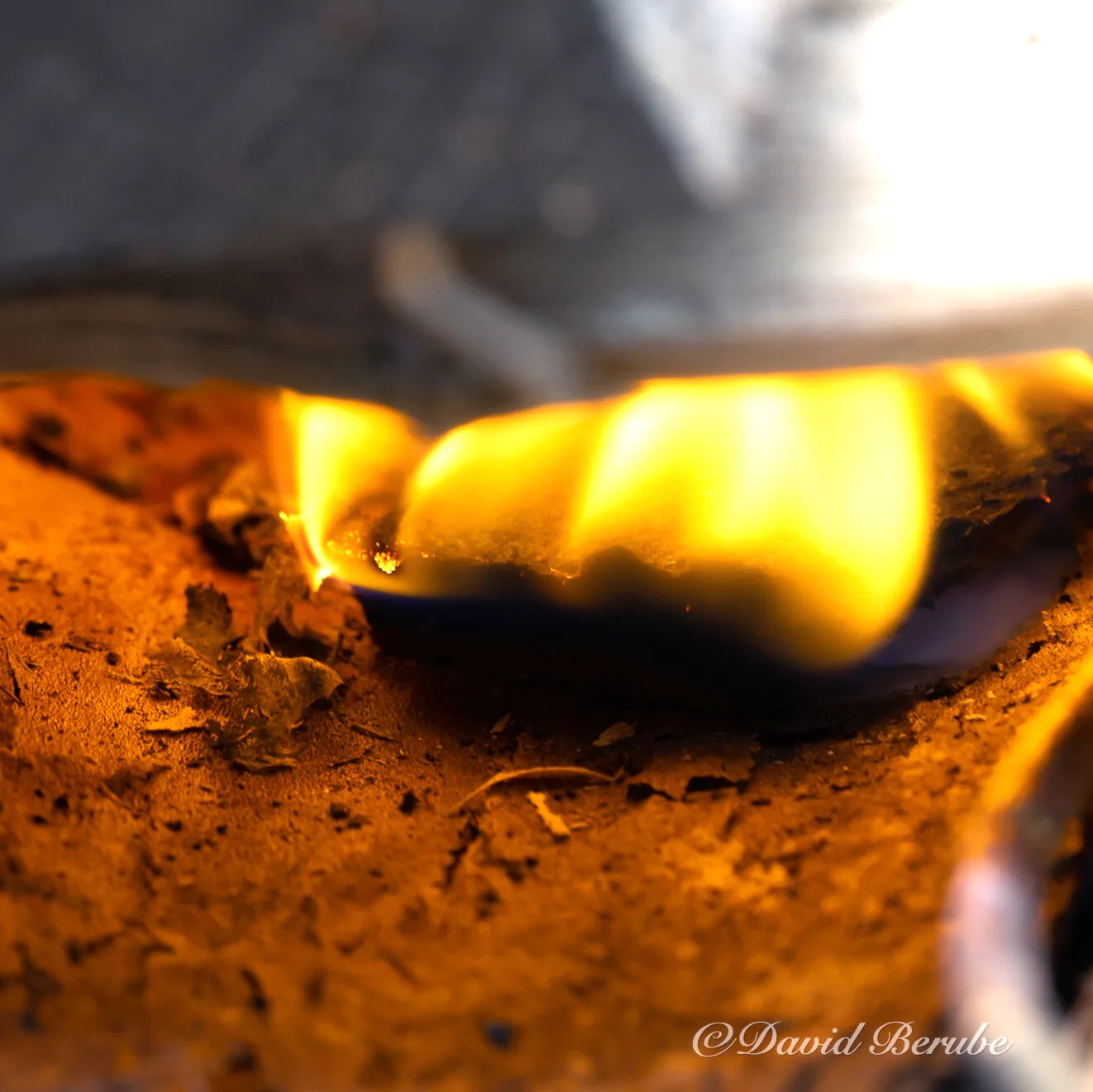 Before After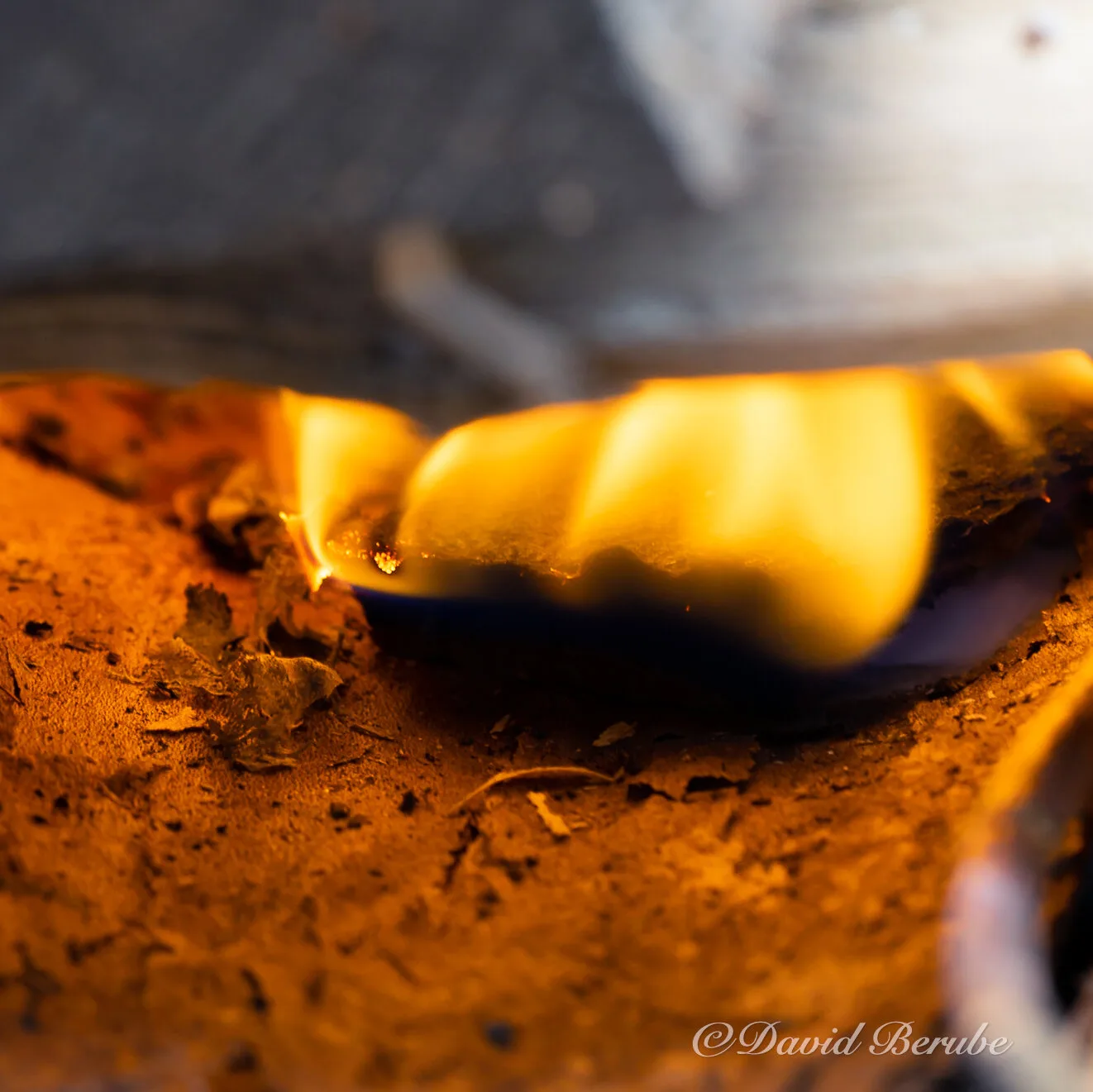
Parameters
Every control, named.
The same names in every host and in the JSON presets. With an Enterprise license, the command-line tool reads those presets and runs them on a thousand files.
| Name | Range | Effect |
|---|---|---|
| intensity | ≥ 0 | Glow strength before tone mapping. |
| threshold | 0–1 | Brightness where the glow starts. |
| knee | 0–1 | Soft-knee width. 0 is a hard cutoff. |
| levels | 1–10 | Mip levels. Each one doubles the radius. |
| scatter | any | How much each level adds on the way up. |
| extrapolate | any | Scales the change: 0.5 is half, 2 doubles it, −1 inverts it. |
| veil | day · dusk · night | Scattered light from the eye’s point spread function. |
| streaks | 0, 3–n blades | Starburst from a polygonal iris; 0 for round. |
| fov | degrees | Horizontal field of view. Sizes the eye effects. |
Hosts
- GIMP 3
- A native GIMP 3 plug-in written in C, with the filter linked in statically. GIMP 3.0 or later, Linux and Windows.
- Photoshop
- A UXP panel running the filter as WebAssembly. Photoshop 2024 (25.0) or later, macOS and Windows.
- Desktop app
- Distortionary for the desktop: open, adjust with a live preview, export. Linux and Windows; macOS later.
- Command line
- Enterprise only. The same filter as a command-line tool, for batches, build scripts and render farms. Settings load from JSON presets.
Built on
-
Spencer, Shirley, Zimmerman and Greenberg (1995)
Physically-based glare effects for digital images. The day, dusk and night PSFs.
-
CIE 135 (2002)
The CIE general disability glare equation.
-
Yoshida, Ihrke, Mantiuk and Seidel (2008)
Brightness of the glare illusion. Why the composite is soft.
-
Ritschel, Ihrke, Frisvad et al. (2009)
Temporal glare. Corona and halo from wave optics.
-
Jimenez (2014)
Next generation post processing in Call of Duty: Advanced Warfare. The downsample and upsample filters.
Notes
Pricing
Bloomifier alone, or the whole set.
Bloomifier
$19 $29 at 1.0
One filter in GIMP and Photoshop, one user.
- GIMP 3 plug-in (Linux and Windows)
- Photoshop panel (2024 or later, macOS and Windows)
- Updates for the 1.x line
Complete set
Recommended $49 $89 at 1.0
All four filters in GIMP and Photoshop, plus the desktop app. One user.
- Bloomifier, Dithertastical, Grungetyper, Octodoctor
- Distortionary desktop (Linux, Windows; macOS when ready)
- Every GIMP plug-in and Photoshop panel
- New filters added to the set during beta, at no charge
Studio
$199 $349 at 1.0
The complete set for up to ten seats in one organization.
- Everything in the complete set
- Ten named or floating seats
- Invoice on request
Enterprise
Call for details
The command-line tools and libraries, for pipelines, servers and products of your own.
- Everything in the complete set
- Command-line tools for every filter
- Rust libraries, C API and WebAssembly builds
- Batch, server and render-farm use
Priced per organization.
Contact usBeta prices. A license bought now stays valid through 1.x, and you never pay the difference.