- Do I own the images I make?
- Yes. Output is yours to use commercially, with no attribution and no royalties. The license covers the software, not what you make with it.
- Which versions of GIMP?
- Every zip holds builds for GIMP 3 and GIMP 2.10, on Linux and Windows. Copy the plug-in’s folder into GIMP’s plug-ins folder; the README in the zip says where that is.
- Which versions of Photoshop?
- Photoshop 2024 (25.0) or later, on macOS and Windows, as a UXP panel. Install the .ccx with the free ZXP/UXP Installer or by double-clicking it; on Windows there is also a Setup.exe and an .msi that skip Creative Cloud. The purchase also holds an 8bf filter for Windows, which loads in Photoshop and other 8bf hosts.
- How do I get updates?
- Every purchase includes a year of updates at no extra cost. Gumroad emails a license key with the purchase; add it at cloud.distortionary.com/downloads, and each new build of what you bought appears there as it’s released. The complete set’s key unlocks each plug-in in it. After the year, everything you’ve downloaded keeps working.
- What about the desktop app?
- It’s in beta and not on sale yet. The GIMP and Photoshop plug-ins are what’s packaged so far.
- Can I script the filters or run them on a server?
- Yes, with an Enterprise license. It adds the command-line tools and libraries, and covers batch jobs, render farms and hosted use. Get in touch for pricing.
- Can I try before buying?
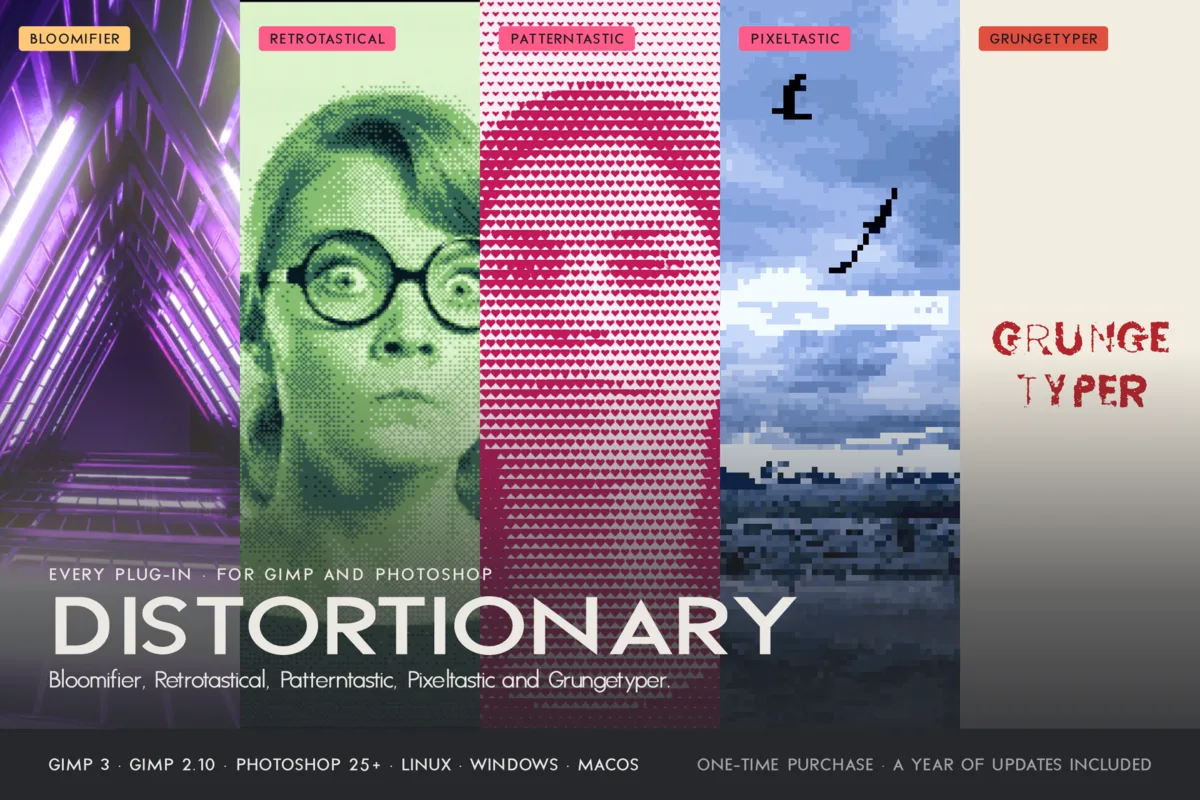
- Bloomifier, Patterntastic, Retrotastical and Grungetyper run live on their pages, in your browser, on your own photograph. Nothing is uploaded.
- Is macOS supported?
- In Photoshop, yes: the panels run on macOS and Windows. The GIMP plug-ins run on Linux and Windows; macOS builds follow.
- Refunds?
- 14 days from purchase, no questions.