Filter 04 · Masks · 0.1 beta
Octodoctor
Masks from gradients and keys, snapped to edges.
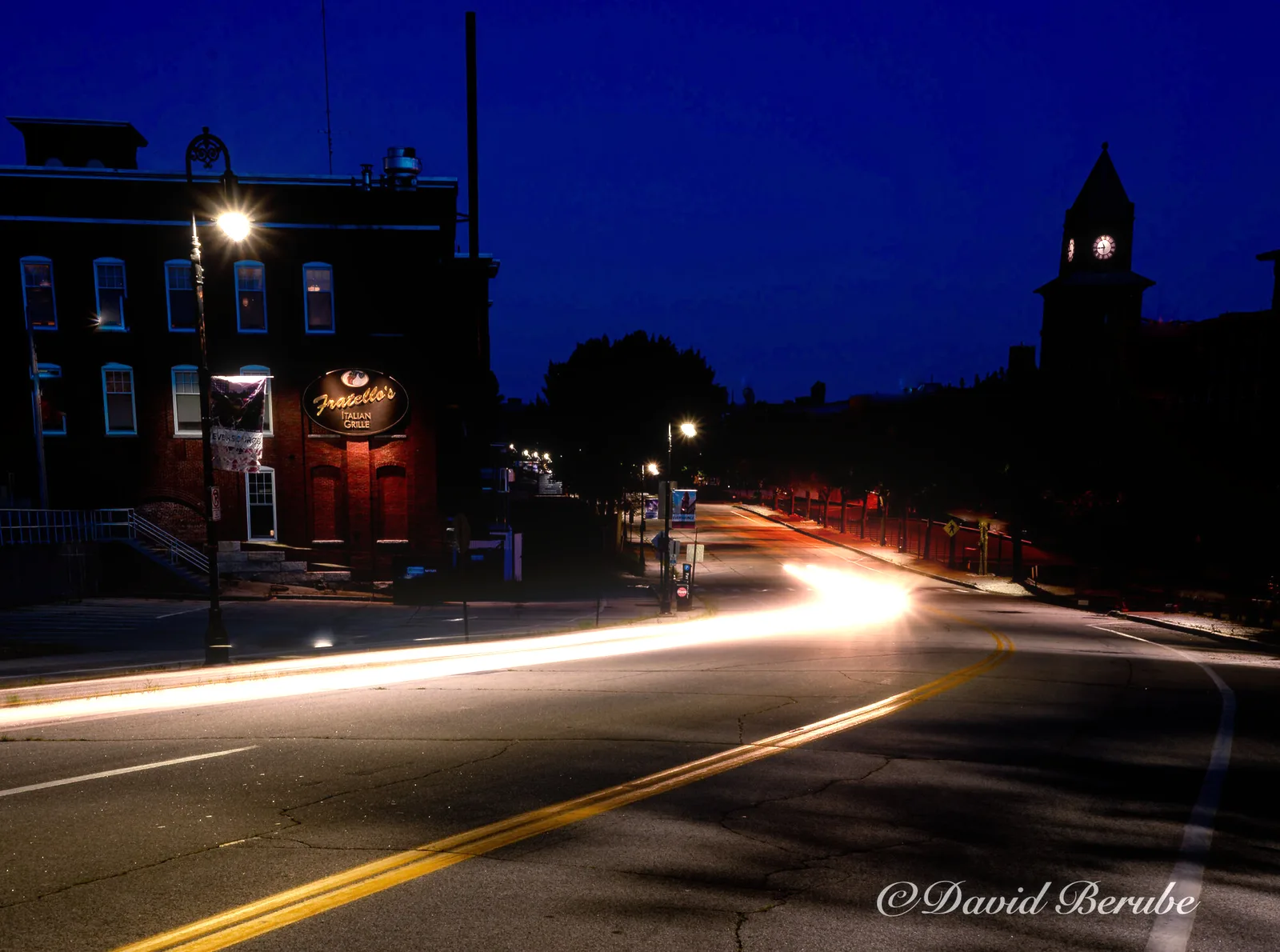
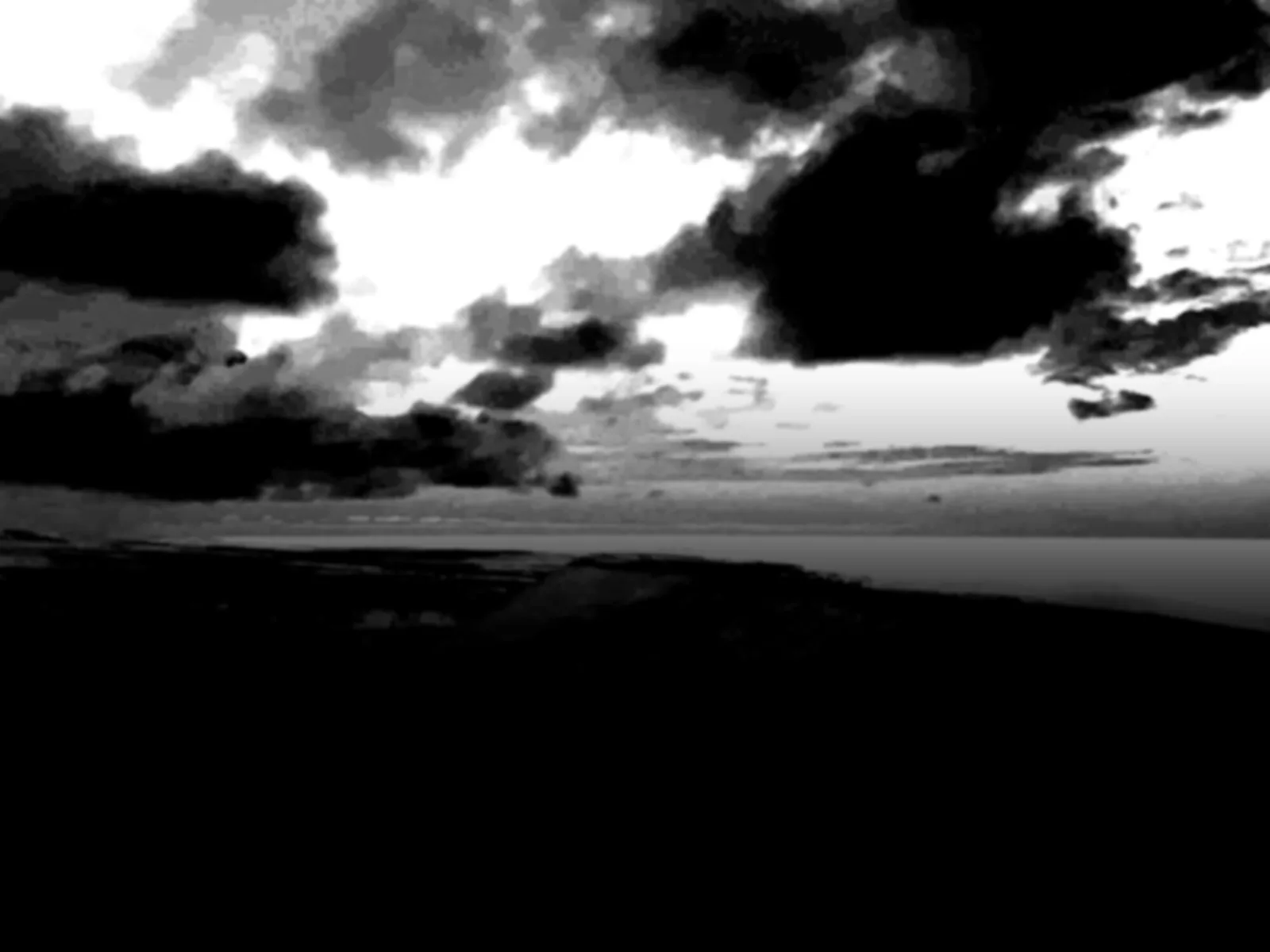
A mask is a stack of up to eight layers. Each is a directional gradient or a key on one of the image’s channels, and each goes through the same response curve, so combining them takes one blend mode. “Blue, but only near the top of the frame” is a sky mask. An edge-aware pass then pulls the transitions onto real edges in the photograph.
- GIMP 3
- Photoshop
- Desktop app
- Command line · Enterprise
 Before After
$ octodoctor road.png -p sky -m overlay The command that rendered it. Command-line tools come with Enterprise.
Try it live
The real filter, compiled to WebAssembly. Nothing leaves your browser.
Snaps the mask’s edges onto edges in the photograph.
How it works
4 steps, each doing one thing.
-
01
Read a source
Linear, reflected, radial or conic gradients, placed by center, angle and length. Or a channel: red, green, blue, alpha, Rec. 709 luma, OKLab lightness, OKLCh chroma and hue, or the OKLab opponent axes.
-
02
Shape it
Highpass, lowpass, bandpass or bandstop around a midpoint, with ramp width, skew, easing, and output levels. On hue and conic sources, distance is measured around the circle, so a band around red catches both sides of zero.
-
03
Feather and blend
A Gaussian feather, optional invert, then normal, add, subtract, multiply, screen, overlay, min, max or difference onto the layers below, at any opacity. 1
-
04
Clean up
Grow or shrink over a near-round octagon. Refine with a guided filter steered by OKLab lightness, which pulls a plain gradient onto a horizon line or tightens a ragged hue key around its subject. Then blur, levels, gamma. Every step costs the same at any radius. 2,3
Specimens
 Before After
 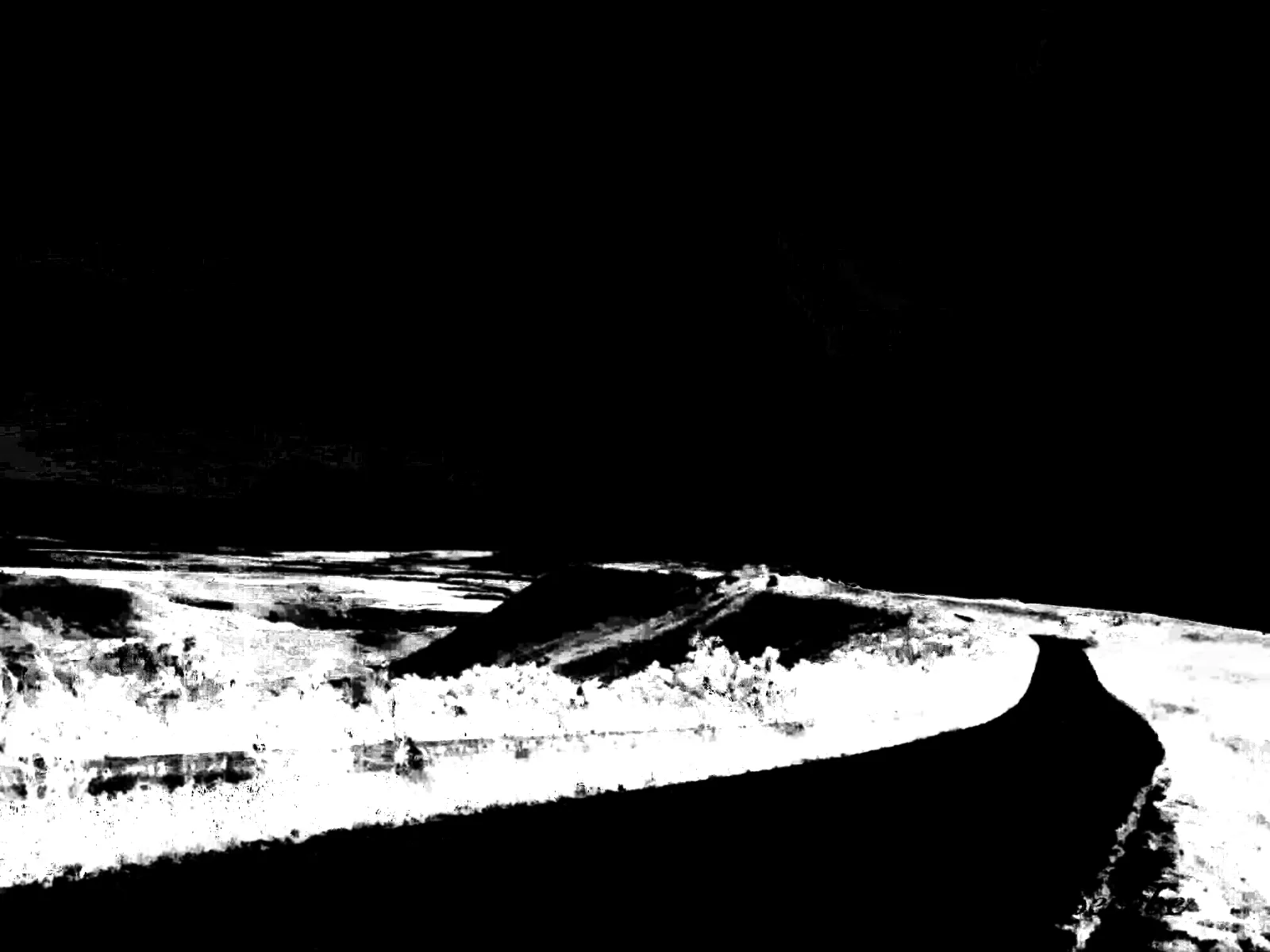 Before After
  Before After
 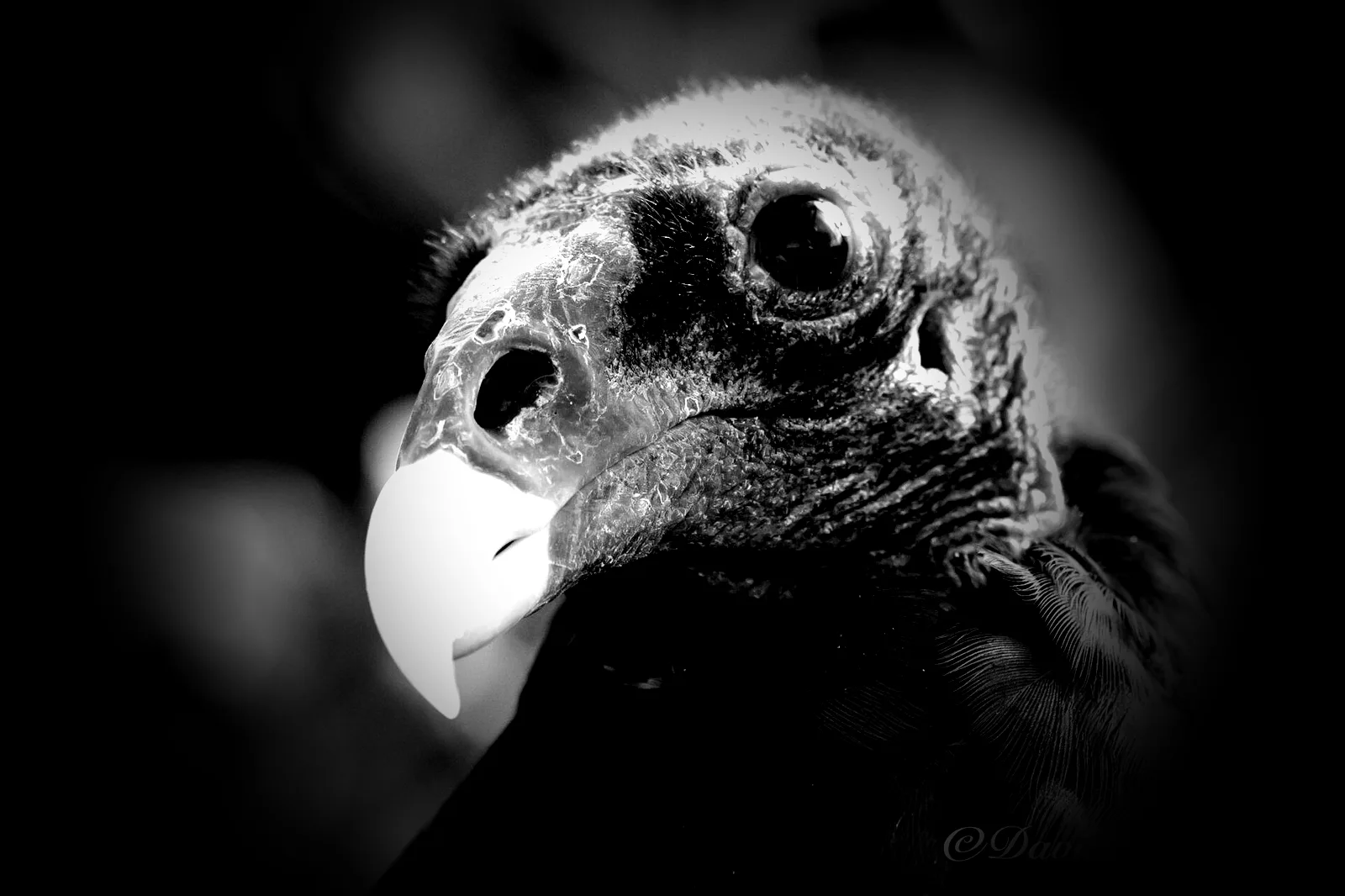 Before After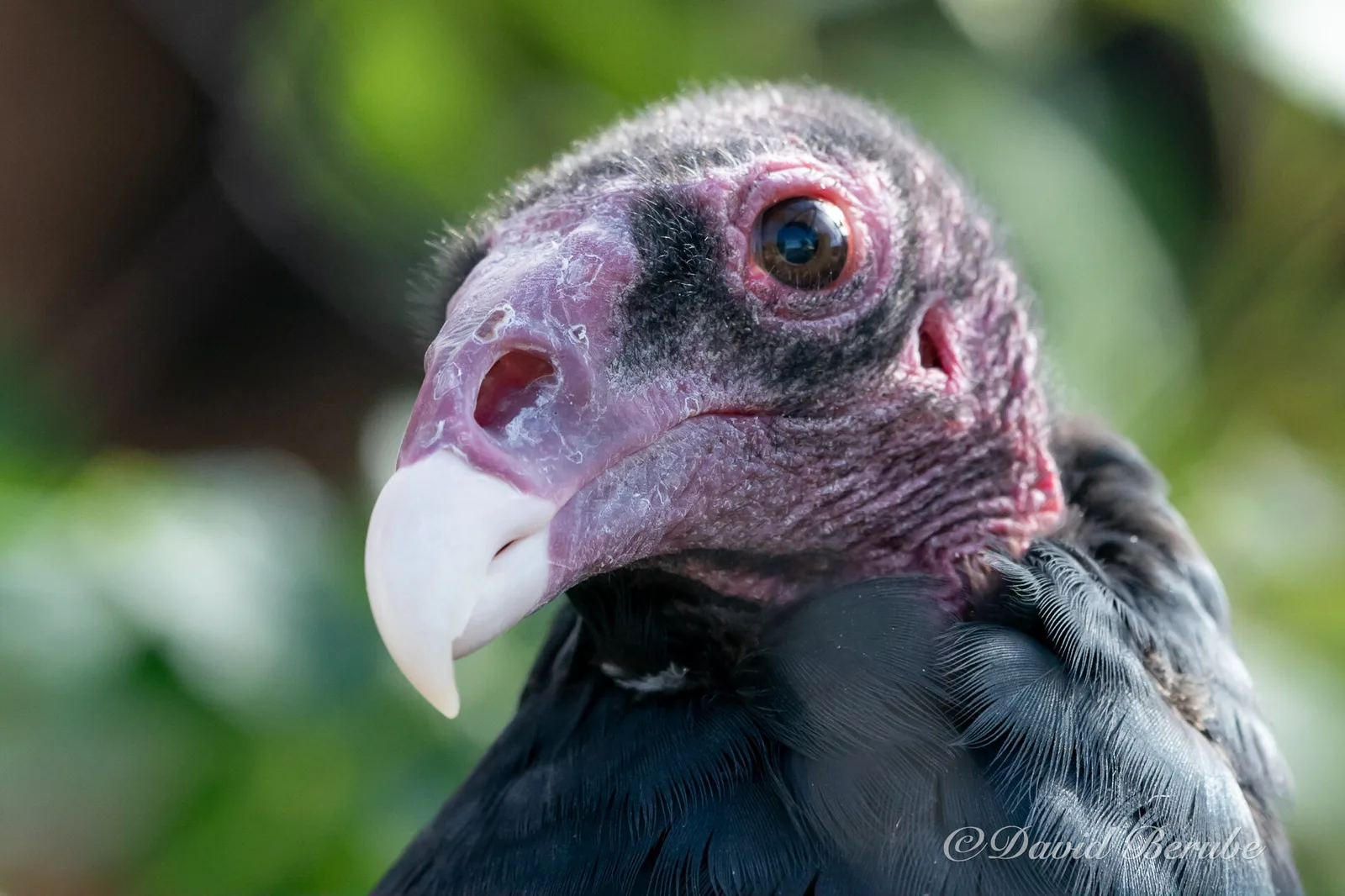
Parameters
Every control, named.
The same names in every host and in the JSON presets. With an Enterprise license, the command-line tool reads those presets and runs them on a thousand files.
| Name | Range | Effect |
|---|---|---|
| source | 4 gradients, 11 channels | What each layer reads. |
| band | highpass · lowpass · bandpass · bandstop | Which part of the source is kept. |
| midpoint · width · plateau | 0–1 or degrees | Where the band sits and how soft it is. |
| blend | 9 modes | How a layer meets the ones below. |
| grow | pixels, ± | Max or min filter. |
| refine | pixels | Edge-aware snap onto the photograph. |
| output | mask · cutout · overlay | Gray mask, alpha cut-out, or a tinted check. |
Hosts
- GIMP 3
- A native GIMP 3 plug-in written in C, with the filter linked in statically. GIMP 3.0 or later, Linux and Windows.
- Photoshop
- A UXP panel running the filter as WebAssembly. Photoshop 2024 (25.0) or later, macOS and Windows.
- Command line
- Enterprise only. The same filter as a command-line tool, for batches, build scripts and render farms. Settings load from JSON presets.
Built on
-
He, Sun and Tang (2010)
Guided image filtering. The refine step.
-
Ottosson (2020)
OKLab and OKLCh, the color keys.
Notes
Pricing
Octodoctor alone, or the whole set.
Octodoctor
$19 $29 at 1.0
One filter in GIMP and Photoshop, one user.
- GIMP 3 plug-in (Linux and Windows)
- Photoshop panel (2024 or later, macOS and Windows)
- Updates for the 1.x line
Complete set
Recommended $49 $89 at 1.0
All four filters in GIMP and Photoshop, plus the desktop app. One user.
- Bloomifier, Dithertastical, Grungetyper, Octodoctor
- Distortionary desktop (Linux, Windows; macOS when ready)
- Every GIMP plug-in and Photoshop panel
- New filters added to the set during beta, at no charge
Studio
$199 $349 at 1.0
The complete set for up to ten seats in one organization.
- Everything in the complete set
- Ten named or floating seats
- Invoice on request
Enterprise
Call for details
The command-line tools and libraries, for pipelines, servers and products of your own.
- Everything in the complete set
- Command-line tools for every filter
- Rust libraries, C API and WebAssembly builds
- Batch, server and render-farm use
Priced per organization.
Contact usBeta prices. A license bought now stays valid through 1.x, and you never pay the difference.